


 By
- Aaliya Yousaf.
 Blog
Most teams using Asana have barely scratched the surface of what its AI tools can do. Here are the five features worth turning on first — and the practical difference each one makes.
Businesses only use a fraction of Asana’s capabilities. While teams quickly adopt task management and project tracking, many of Asana’s most powerful AI features remain completely untouched. As Dubai’s official certified Asana partner, SassyOS regularly audits existing Asana workspaces and discovers valuable AI tools sitting unused.
Most teams focus on basic task management and never revisit their workspace configuration. As a result, powerful AI tools that can save hours every week remain switched off. The five features below are the ones we recommend enabling first.
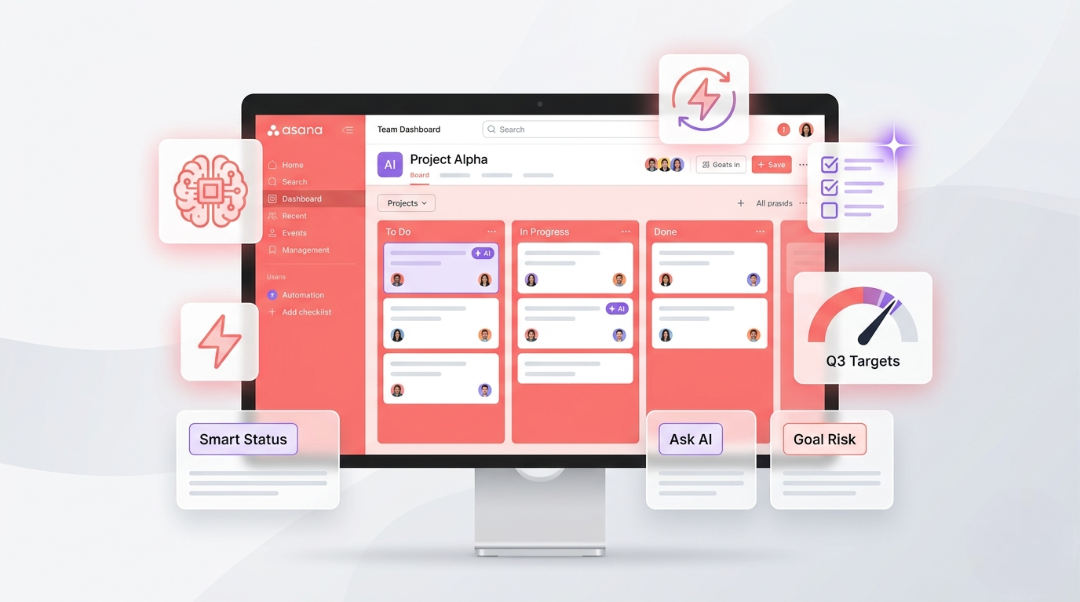
Writing weekly project reports can take significant time. Smart Status Updates automatically review project activity, completed tasks, milestones, and conversations to generate a draft status report in seconds.
When new tasks are created, Smart Fields automatically suggest priorities, assignees, and due dates based on similar tasks already completed in your workspace.
This removes the guesswork involved in setting up tasks and helps teams maintain consistency across projects.
"We were spending more time organising our to-do list than actually doing the work on it. Smart Fields fixed that without anyone having to change how they think about a task."
— Operations Lead, Logistics Company, Dubai
AI Studio is one of Asana’s most advanced capabilities. It enables intelligent automation that reacts to the content of tasks rather than simple rule-based triggers.
For example, AI Studio can identify urgent client requests based on wording, route tasks to the correct department, and automate approvals using context-aware logic.
Want to learn more about workflow automation? Explore our guide: Top 10 Asana Automation Workflows of 2026
Goal Risk Detection monitors progress against company objectives and identifies risks before targets are missed.
By analysing deadlines, completion rates, and project velocity, Asana can alert leadership teams early enough to take corrective action.
Ask AI allows users to ask plain-language questions and receive answers directly from live Asana data.
Instead of searching through multiple projects manually, teams receive instant answers.
Worth Knowing: Smart Status Updates and Ask AI are available from the Starter Plan upward. AI Studio and Goal Risk Detection require Advanced or Enterprise plans.
Most companies don’t intentionally ignore these tools. They simply don’t know they exist. Asana releases new AI features regularly, and unless someone actively manages the workspace, valuable capabilities often remain unused.
This is one reason businesses partner with SassyOS. We continuously review client workspaces and ensure teams benefit from newly released functionality.
We typically recommend starting with Smart Status Updates and Ask AI because both provide immediate value without changing existing workflows.
Once teams become comfortable with AI-assisted work, more advanced tools like AI Studio and Goal Risk Detection can be introduced gradually.
Book a free consultation with SassyOS and we'll audit your workspace, identify available AI tools, and help your team start using them effectively.
Book Free Consultation Visit SassyOS