


 By
- Aaliya Yousaf.
 Blog
Construction and real estate projects don't fail because nobody worked hard enough. They fail because a delay on one site, a missed subcontractor handoff, or a milestone nobody flagged in time cascades into a much bigger problem three weeks later. Most teams in this sector are still tracking that reality across a mix of spreadsheets, WhatsApp groups, and site visits — which means the person who needs visibility most, usually a project director managing multiple sites, has the least of it.
Construction and real estate work doesn't fit neatly into the same project structure marketing or software teams use. Multiple sites, subcontractor dependencies, phased handovers, and milestone-driven payment schedules all need to be visible at once — without turning every site engineer into a full-time software administrator. Asana can handle this well, but only if it's set up around how construction and property teams actually work, not around a generic project template.
Before recommending a structure, it helps to see exactly where the current approach usually fails — because the fix has to address the actual cause, not just add another tool on top.
The single biggest structural decision in this sector is whether Asana is organized around sites/properties or around task types. Get this wrong and reporting never lines up with how leadership actually thinks about the business.
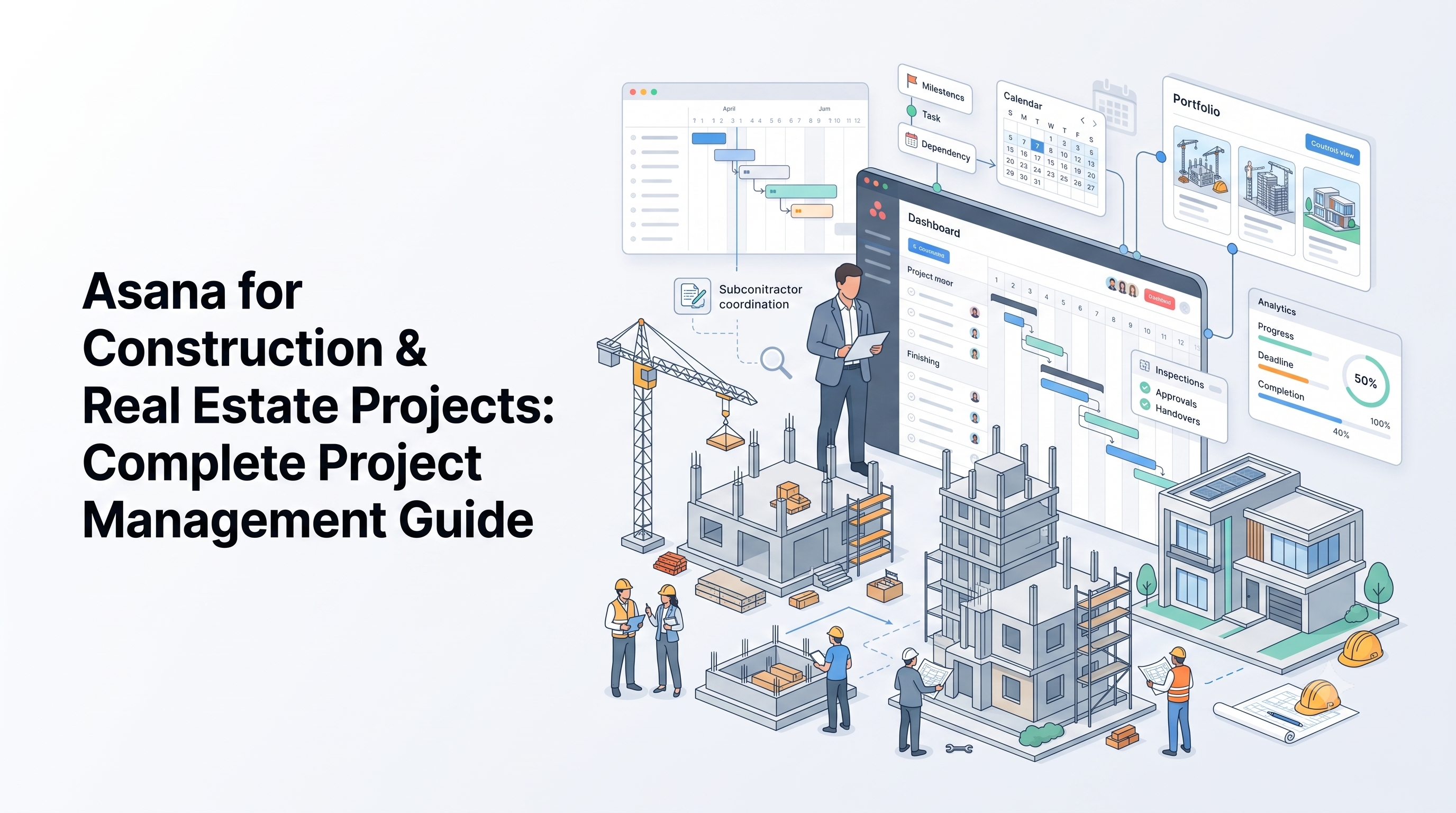
Each active site or property gets its own project, with phases represented as sections — foundation, structure, finishing, handover. This keeps site-level status clean and easy to report on individually.
All site projects sit inside one portfolio, so leadership sees every active site's status, timeline, and risk level in a single view — without needing to open each project separately.
Fields like contractor name, permit status, or inspection date attach directly to tasks, so this information doesn't live in a separate spreadsheet leadership has to cross-reference.
Once site-level structure is solid, most teams are ready to connect it to leadership reporting properly. Our guide to Asana Goals & Portfolios for executive reporting covers exactly how to build that layer.
Subcontractor coordination is where most construction rollouts either succeed or quietly fall apart. The core principle: dependencies need to be visible to whoever is waiting on them, not just tracked internally by the project manager.
Milestones in construction and real estate usually carry financial weight — payment triggers, handover dates, regulatory inspections. Treating them as just another task with a due date underestimates how much is riding on them.
Real estate teams face a related but distinct challenge — less about active construction and more about tracking leasing, maintenance, and renovation across an existing portfolio of properties. The same site-as-project structure applies, but the phases shift toward leasing status, tenant requests, maintenance schedules, and renewal dates.
A portfolio view here becomes the single most valuable piece — giving asset managers a live read on occupancy status, upcoming lease expirations, and open maintenance requests across every property, without needing to check each one individually.
The end goal of all this structure is simple: leadership should be able to answer "where do things stand" without driving to a site or calling a manager. That only works if status updates happen where the work already happens — inside the task, not in a separate report someone compiles afterward. When site data flows into a portfolio view automatically, reporting stops being a task in itself and becomes a byproduct of normal work.
As an Asana implementation partner working across the UAE, construction and real estate are two of the sectors we get asked about most — precisely because generic project management advice online rarely accounts for site-based work and subcontractor coordination.
We build your workspace around active sites or properties, not a generic project template that ignores how construction work actually flows.
Guest access, intake forms, and dependency tracking are set up as part of the initial rollout, not added later.
Every site or property rolls into a single leadership view, so status is available without a site visit.
Construction and real estate teams don't need a simpler project management tool — they need one structured around how sites, subcontractors, and milestones actually move. Asana can absolutely handle that complexity, but only when the setup respects it from the start. Get the site-and-portfolio structure right, and reporting becomes a byproduct of daily work instead of a separate task nobody has time for.
If your team is still tracking sites across spreadsheets and site visits, book a free consultation with SassyOS and we'll show you what a proper setup looks like for your business.
Core Asana Services
Rollout & Reporting
Automation & Partner Coverage
We'll build your Asana workspace around your actual sites, subcontractors, and milestones — not a generic project template.
Book a Free Consultation Get in Touch