


 By
- Aaliya Yousaf.
 Blog
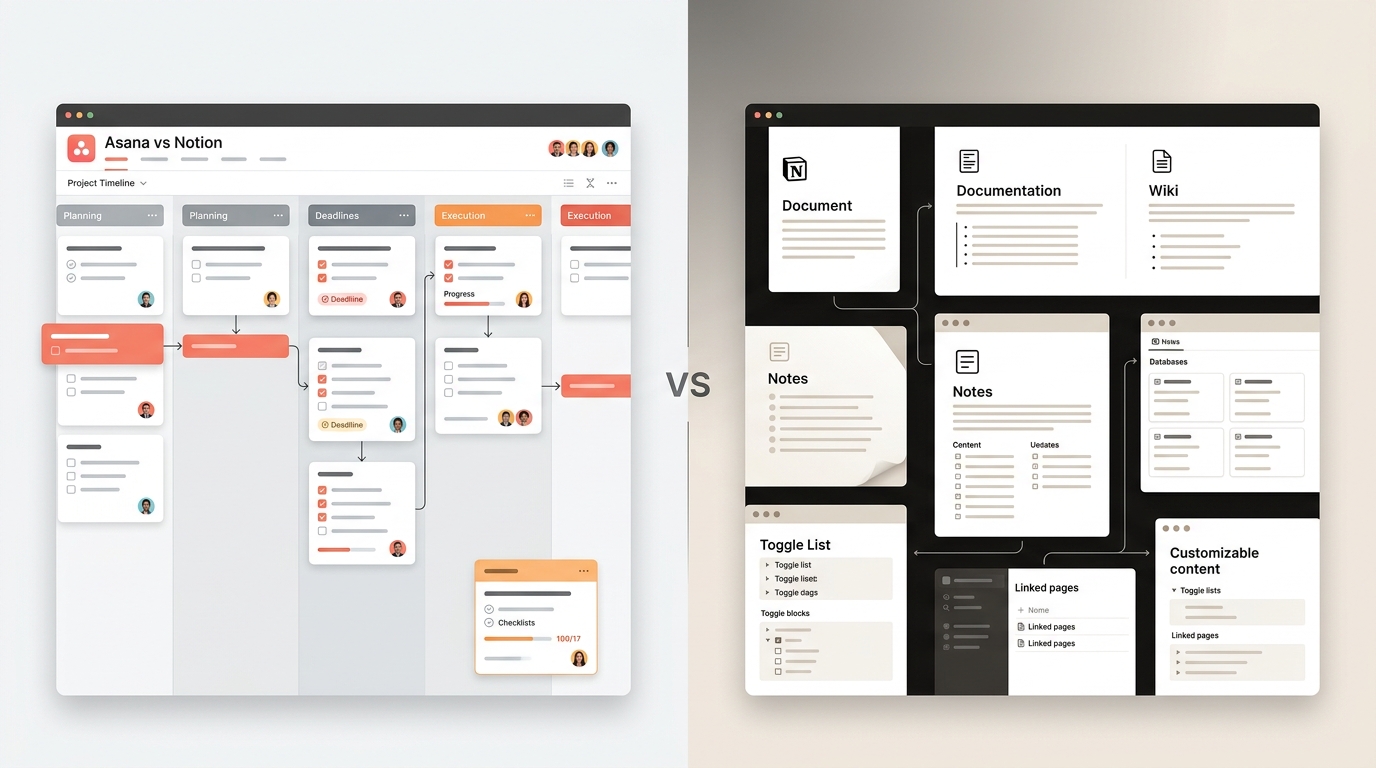
Notion and Asana get compared constantly, but they're not really solving the same problem. Notion started as a flexible workspace for docs, wikis, and notes that eventually grew project management features on top. Asana started as project management and never tried to become a documentation tool. That difference in origin still shapes what each one is genuinely good at today — and it's the real answer to "which one should we use," more than any feature checklist.
Notion is exceptional as a flexible knowledge base — wikis, docs, notes, and lightweight databases that teams can shape however they want. Its task management is genuinely usable, but it stays a build-it-yourself system rather than a purpose-built one. Asana is the reverse: task management, dependencies, and reporting are structured and reliable out of the box, while documentation is a secondary feature at best. Teams that need to actually execute and track work at scale tend to outgrow Notion's task management faster than they outgrow Asana's documentation gap.
Before comparing features line by line, it helps to be clear about what each tool was actually built for — because the overlap that makes people compare them is smaller than it looks.
A flexible, all-in-one workspace for notes, documentation, wikis, and lightweight databases — with task tracking as one of many possible uses, built by the user rather than provided as a fixed structure.
Task and project management specifically — assigning, tracking, and reporting on work across a team, with structure provided out of the box rather than built from scratch.
The overlap happens because Notion's databases can be configured to function like a task board, and Asana includes basic documentation through task descriptions and comments. Both can technically do a version of what the other does well — the question is how much configuration that takes, and how well it holds up as a team scales.
Notion's flexibility is genuinely its biggest selling point, and also its biggest risk for larger teams. Because there's no fixed structure, workspace quality depends entirely on whoever built it — a well-designed Notion workspace can be excellent, but a poorly designed one becomes an inconsistent mess fast, with different people building different structures for similar work across the company.
Asana trades some of that flexibility for consistency. Every project follows the same underlying task structure, which means a new team member — or a new hire joining six months from now — encounters the same patterns everywhere, rather than needing to learn how this particular Notion workspace happens to be organized.
This is usually where the comparison gets decided for growing teams. Asana's Goals and Portfolios — covered in more depth in our dedicated reporting guide — give leadership a cross-project view without manual setup. Notion can replicate a version of this with linked databases and rollup properties, but it requires someone to actively build and maintain that structure, and it tends to break or need rework as the number of projects grows.
To give Notion its due — it's a genuinely strong product in the right context:
If your team's core need is a shared knowledge base more than structured task execution, Notion is a legitimate choice — not a compromise.
A meaningful number of teams end up using both — Notion as the documentation and knowledge base, Asana as the execution and task management layer. This isn't a compromise; it's often the most practical setup, since each tool handles the piece it's genuinely strongest at. The key is being deliberate about the split: Notion holds reference material, process documentation, and meeting notes; Asana holds anything with an owner, a deadline, and a status that needs tracking. Blurring that line — trying to track live task status in Notion, or building a wiki inside Asana — usually recreates the weaknesses of whichever tool is being stretched past its strength.
We're an Asana implementation partner, so it's fair to expect this comparison leans that direction — but we'd rather tell a team honestly that Notion fits their situation better than force a switch that won't stick.
We look at whether your real need is documentation or execution before recommending a switch.
If you're moving task tracking from Notion to Asana, we map your existing databases into a proper task structure, not just a data dump.
If your team wants Notion for docs and Asana for execution, we help draw that line clearly during setup.
Asana and Notion aren't really fighting for the same job. Notion is a genuinely excellent flexible workspace that can be shaped into a task system. Asana is a purpose-built task system that offers basic documentation. Most teams that need reliable, scalable execution across departments outgrow Notion's task management before they'd ever outgrow Asana's documentation gap — but if documentation and flexibility are your team's real priority, Notion deserves serious consideration.
Not sure which fits your team? Book a free consultation with SassyOS and we'll give you an honest read based on how your team actually works.
Core Asana Services
Comparisons
Reporting & ROI
We'll give you an honest assessment based on whether your real need is documentation, execution, or both — no forced switch.
Book a Free Consultation Get in Touch