


 By
- Aaliya Yousaf.
 Blog
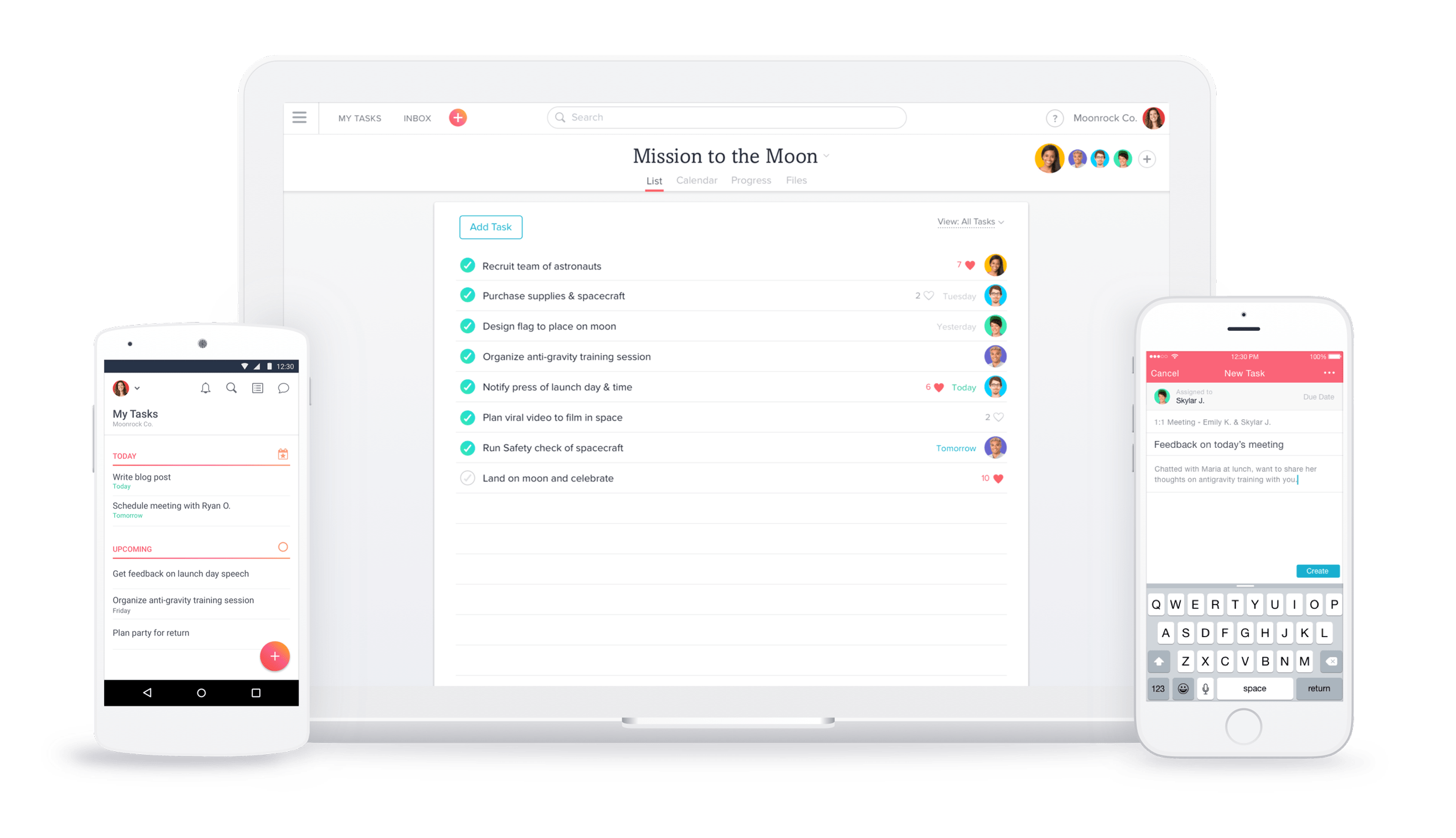
Simplifying workflows and increasing project efficiency is what we do at SassyOS. One of the most intuitive features in Asana is dragging and dropping tasks across different views, be it the Board, List, or Calendar view. This helps quickly make task adjustments, prioritize tasks, and reschedule tasks to save precious time while keeping your team on track.
| Feature / Action | View Type | What You Can Do | Benefit |
|---|---|---|---|
| Update Task Status | Board View | Move tasks between columns (To Do → In Progress → Done) | Quick status updates and instant visibility of progress |
| Reorder Tasks | List View | Drag tasks up or down to move them to a different priority position | Remains prioritized and organized |
| Reschedule Tasks | Calendar View | Drag tasks to new dates | Easily adjusts deadlines without extra steps |
| Save Time & Amplify Collaboration | All Views | Drag-and-drop vs. manual edits | Boosts team harmony and productivity |
You can drag and drop tasks between columns to show the different stages or statuses in your workflow. If you have a project with columns like To Do, In Progress, and Completed, you can do the following:
When in List View, the tasks should be so ordered that the priorities do not get lost. The tasks can be reordered by;
Calendar view easily allows you to reschedule your deadlines by merely dragging your tasks into other dates when you have to change them. Your deadlines will be shifted, and all you would need to change is the actual timeline of your project.
At SassyOS, we empower businesses across Dubai and the Middle East to unlock the full potential of Asana. We optimize workflows, manage projects, and streamline communication to ensure your projects are efficient and easy to manage.
Contact us today to see how Asana's drag-and-drop features and more can help your team stay organized and on schedule!
Call US today on +971-55-779 4566 or Book a demo now.
Book DemoIt easily updates, reorders, and reschedules tasks instantly without manually opening each task.
Yes, and utilize it in Board, List, and Calendar views for maximum flexibility.
Yes, dropping a task from one column to another in Board View is real-time updated.
It saves time, keeps it organized, and has everyone still in sync with project priorities.
Yes. You may at anytime after re-scheduling or re-locating open and edit the task details.