


 By
- Aaliya Yousaf.
 Blog
Most projects have some flexibility on timing — a launch can slip a week, a milestone can shift. Event and exhibition work doesn't get that luxury. The event date is fixed the moment it's booked, and everything else has to work backward from it. In a market as event-heavy as the UAE — trade shows at Dubai World Trade Centre, corporate conferences, activations, weddings, exhibitions — that fixed-deadline pressure, multiplied across dozens of vendors and moving parts, is exactly the kind of coordination problem Asana handles well when it's structured for it.
Event planning is one of the few project types where the deadline is truly non-negotiable — you can't push the event date the way you'd push a software launch. That changes how the whole project needs to be structured: everything gets planned as a countdown from the event date, dependencies matter more than almost any other industry, and a missed vendor deadline three weeks out is a very different problem than one missed three days out.
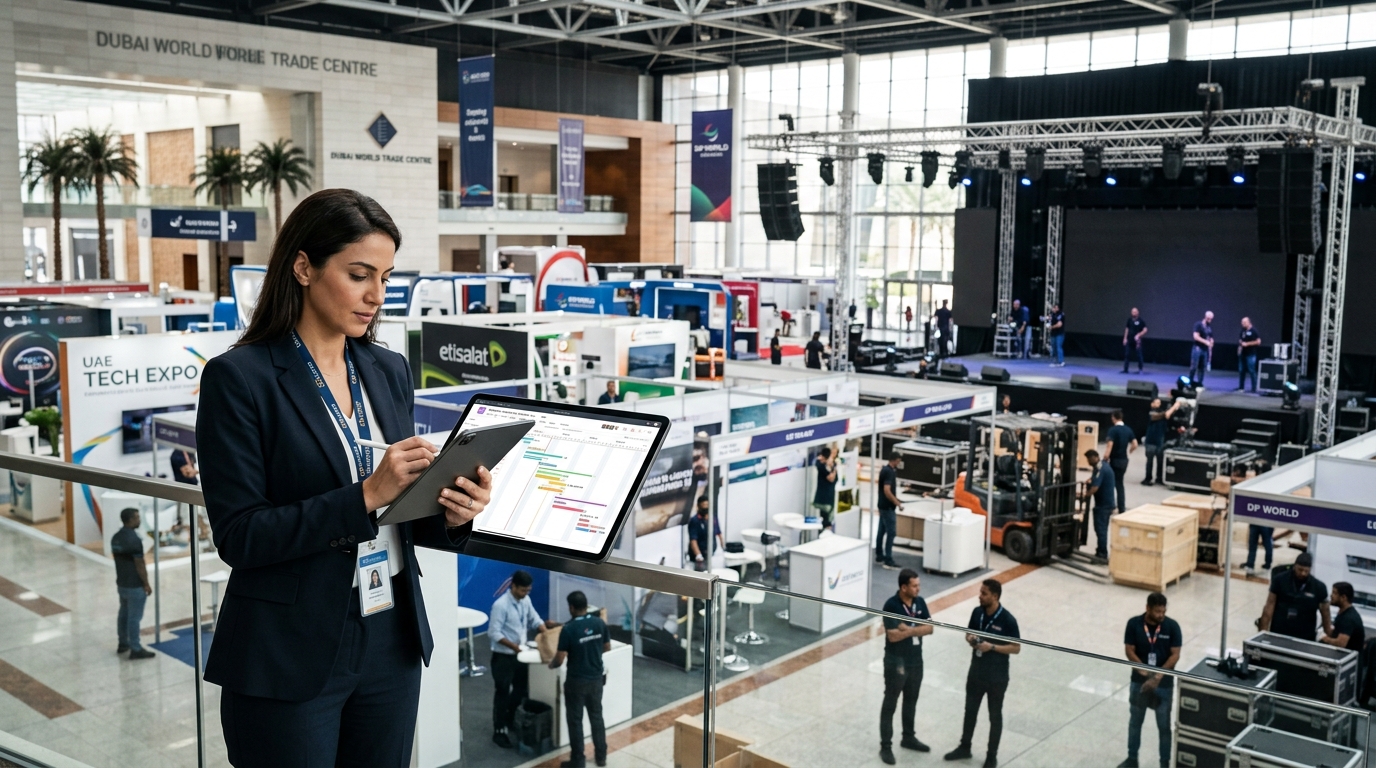
The most useful structural pattern for event work is planning backward from the event date rather than forward from today. Asana's Timeline view supports this directly — tasks get positioned relative to the fixed end date, and dependencies show immediately which upstream delays threaten the date itself.
Key deadlines — venue confirmation, vendor bookings, final headcount, production lock — get set as milestones counting down to the event, making slippage immediately visible.
If signage can't be produced until the design is approved, that dependency needs to be explicit — so a delayed approval visibly threatens the production deadline, not just quietly absorbed.
Deliberately building buffer days before the final deadline — rather than scheduling everything to land exactly on the event date — gives room to absorb the inevitable vendor delay.
A single event can involve a dozen or more external parties — venue, catering, AV, printing, security, transportation — none of whom need or want access to your full internal workspace. A structured intake form, covered in more depth in our Asana Forms guide, lets vendors confirm deliverables or flag issues without an Asana license, with submissions landing as properly categorized tasks rather than another message in a scattered inbox.
For vendors needing closer collaboration on a specific deliverable, scoped guest access — limited to their relevant project only — keeps external visibility contained to what's actually relevant to them.
Event agencies and internal corporate events teams often run several events in parallel, each with its own countdown and vendor list. The same portfolio structure that works for construction sites and retail outlets applies here: one project per event, rolled up into a shared portfolio so leadership can see which events are on track and which are approaching their date with unresolved risk — without opening each event's timeline individually.
Planning happens mostly from a desk. Execution happens entirely on-site, on foot, often with unreliable venue connectivity. This is where the mobile app — covered in more depth in our mobile app guide for field teams — genuinely matters: a day-of checklist that team members can check off from their phone as they move through setup, with photos attached documenting completed setup or flagging an issue, replaces the frantic radio-and-clipboard coordination that otherwise defines event day.
The days immediately after an event are when the most valuable operational learning happens, and also when it's most likely to get lost — everyone's exhausted and already moving on to the next thing. A short, structured debrief task template (what worked, what didn't, vendor performance notes) attached to every event project builds an institutional record that actually improves the next event, rather than relying on someone's memory of what went wrong six months later.
Asana isn't a budgeting tool, but tracking planned versus actual cost at the task level — via a custom field on each vendor deliverable — gives a running picture of budget status without needing a separate spreadsheet reconciled after the fact. Combined with the countdown timeline, this makes it possible to see budget risk and schedule risk together, which matters because the two are often connected: a late vendor decision frequently costs more than an early one.
Event and exhibition work has a specific rhythm — fixed deadline, heavy vendor coordination, intense on-site execution — that a generic project template doesn't account for. This is what we build into every event-focused implementation.
We structure milestones and dependencies backward from the fixed date, with buffer built in deliberately.
Forms and scoped guest access are set up before your first event launches, not built reactively mid-planning.
We build day-of checklists specifically for mobile use, so your on-site team isn't fumbling with a desktop-designed workflow.
Event work doesn't get the flexibility most other project types have — the date is fixed, and everything works backward from it. Structured around a countdown timeline, explicit vendor dependencies, and mobile-ready day-of execution, Asana handles that pressure well. Treated as a generic task list, it doesn't hold up any better than the spreadsheet it replaced.
If your next event is being planned across scattered spreadsheets and WhatsApp threads, book a free consultation with SassyOS and we'll show you what a proper countdown-based setup looks like.
Core Asana Services
Feature Guides
Industry Use Cases
Reporting
We'll build your Asana workspace around a countdown timeline, vendor coordination, and mobile-ready execution for event day.
Book a Free Consultation Get in Touch