


 By
- Aaliya Yousaf.
 Blog
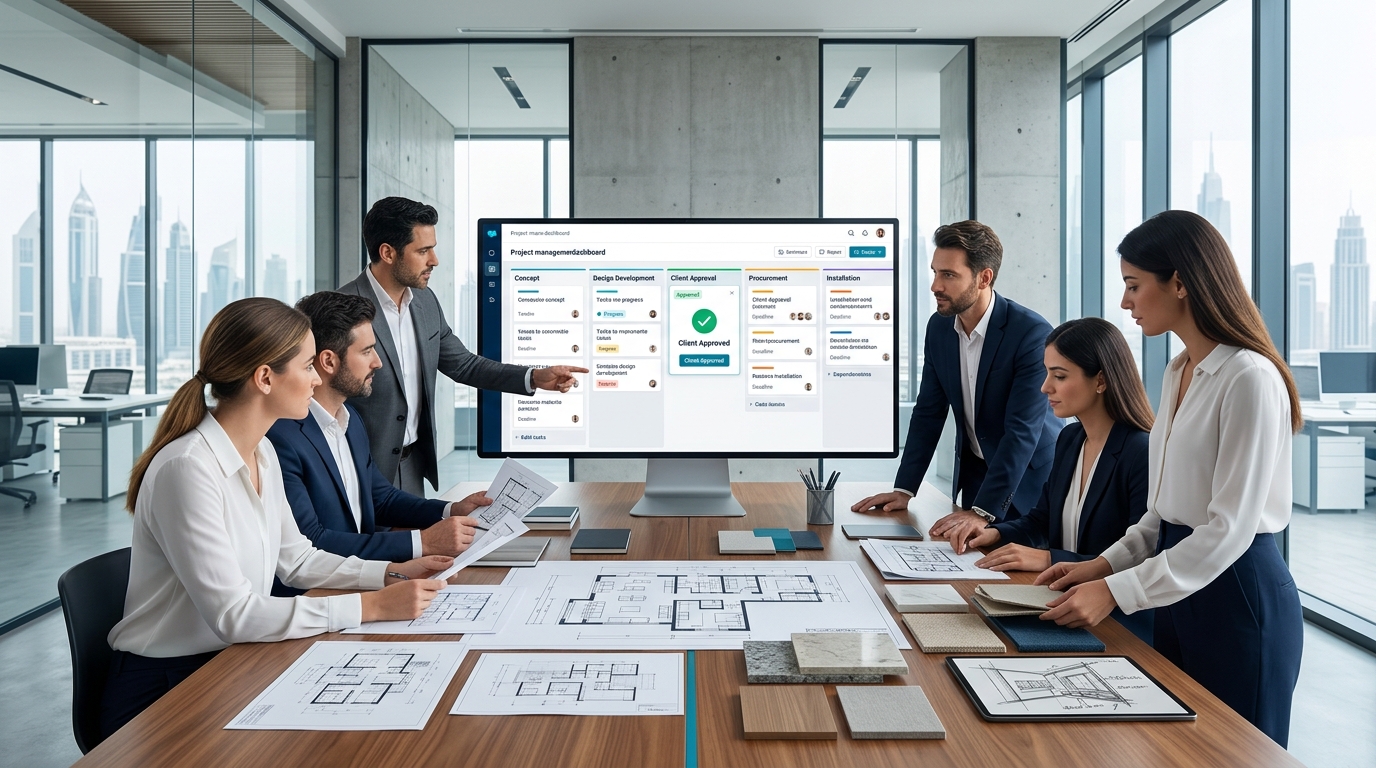
Design work moves through distinct phases — concept, design development, client presentation, procurement, installation — and each phase depends on client approval before the next one can properly begin. Unlike a construction site, where the challenge is coordinating trades and physical progress, a design firm's biggest coordination risk is subtler: a client review sitting unanswered, a specification finalized before sign-off, a procurement order placed against an outdated revision. Asana handles this well when it's structured around design phases and approval gates specifically, not treated as a generic task list.
The core structural insight for design and architecture work is that phases shouldn't just be sequential — they should be gated by explicit client approval, with nothing downstream starting until that approval is confirmed. A concept that "seemed approved" over a phone call is a very different risk than one marked approved on a task, with the confirmation attached. That distinction is what protects a firm from the costliest mistake in this business: building or procuring against a design that wasn't actually signed off.
Mapping a project's sections to its actual design phases — concept, schematic design, design development, documentation, procurement, installation — keeps the project structure aligned with how the firm and the client both naturally think about progress, rather than a generic task list that doesn't reflect the design process itself.
Each design phase becomes a project section, giving both team and client a clear sense of where the project currently stands.
Procurement tasks explicitly depend on design development sign-off, so anyone tempted to move faster sees the dependency flagged rather than proceeding on an assumption.
The countdown to installation or handover date, covered in more depth in our Timeline and Gantt chart guide, keeps the fixed end date visible against the phase-by-phase schedule.
A verbal "looks great, go ahead" in a meeting is easy to misremember or dispute later. A dedicated approval task — with the client's confirmation captured as a comment on the specific task representing that phase — creates a clear, timestamped record of what was actually approved and when, which matters both for internal confidence to proceed and, if a dispute ever arises later, for having an actual record rather than relying on memory.
Design work goes through revisions constantly, and "which version is current" is one of the most common and costly points of confusion in this industry — a specification finalized against an outdated revision can mean re-ordering materials at real cost. A custom field tracking the current approved revision number on each relevant task, updated the moment a new version is approved, keeps everyone — including procurement — working from the same reference point rather than an email thread buried three replies deep.
Once a design phase is approved, procurement tasks for furnishings, materials, and fixtures can be tracked with supplier confirmation status, lead time, and delivery date as custom fields — the same exception-based approach covered in our logistics and supply chain guide, applied to design procurement specifically. A long lead-time item flagged early gives the project timeline room to adjust before it becomes a bottleneck at installation.
Firms running several projects simultaneously, each at a different phase, benefit from the same portfolio structure used across other industries: one project per client engagement, rolled up into a shared portfolio giving studio leadership a single view of which projects are awaiting client approval, which are in procurement, and which are approaching installation — without checking each project's timeline individually.
Client-facing visibility works best when it's curated rather than a mirror of the full internal workspace — the same principle covered in our professional services guide. Clients benefit from seeing the current phase, pending approvals awaiting their input, and the overall timeline, while internal notes, supplier pricing, and studio capacity planning stay internal. Scoped guest access to a project built with this separation in mind supports that split cleanly.
Design and architecture work has a specific rhythm — phase-based, approval-gated, revision-sensitive — that a generic project template doesn't account for. This is what we build into every design-focused implementation.
We build dependencies so procurement can't start ahead of an actual, recorded client approval.
Custom fields keep the whole team and procurement aligned on the current approved version.
We scope guest access so clients see progress without exposure to internal studio operations.
The costliest mistake in design and architecture work isn't a missed task — it's proceeding on an approval that was never actually confirmed. Structured around design phases, real approval gates, and clear revision tracking, Asana protects against exactly that risk while giving clients a clean view of progress without the internal noise.
If your studio's approvals still happen over the phone with no record, book a free consultation with SassyOS and we'll show you what a properly structured setup looks like.
Core Asana Services
Feature Guides
Related Industries
Reporting
We'll build your Asana workspace around real approval gates, revision tracking, and a clean client-facing view — for every project stage.
Book a Free Consultation Get in Touch