


 By
- Aaliya Yousaf.
 Blog
No business runs on a single piece of software, and Asana was never meant to be the exception. Email still lives in Outlook or Gmail, files still live in Google Drive or SharePoint, team chat still happens in Slack or Microsoft Teams. The real question isn't whether to keep those tools — it's whether Asana connects to them cleanly, or becomes yet another place people have to check separately. Done well, integrations remove duplicate work. Done badly, they add a layer of notifications nobody asked for.
The test for whether an integration is worth setting up is simple: does it remove a manual step someone currently does by hand, or does it just create a second place the same information now shows up? A Slack integration that turns a flagged message into an Asana task removes a step. A Slack integration that pings every channel every time any task updates just adds noise. The difference is entirely in how deliberately it gets configured.
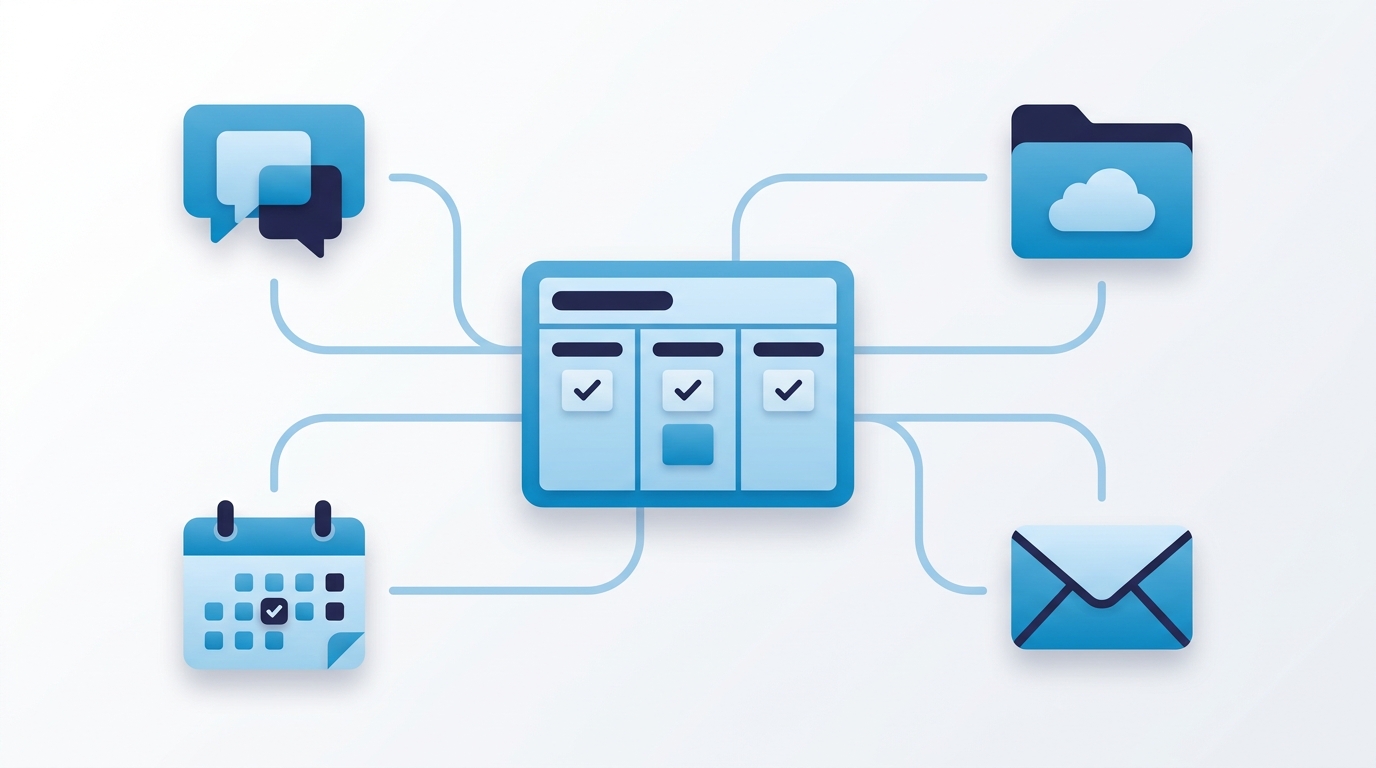
The most common use case here is turning a flagged chat message into a proper task, so requests raised informally in a channel don't get lost once the conversation moves on. Status updates can also flow the other direction — a task marked complete posting a brief update to a relevant channel, keeping people informed without them needing to check Asana directly for every small change.
A message flagged in Slack or Teams can be turned into an Asana task directly, capturing the request before it scrolls out of view.
Configure notifications for genuinely significant updates only — a milestone completed, a project marked at risk — rather than every task change flooding a channel.
Attaching a file directly from Google Drive or SharePoint to a task, rather than uploading a duplicate copy into Asana, keeps a single source of truth for the document itself while giving the task a direct link to it. This matters more than it sounds — duplicate file copies drift out of sync quickly, and nobody's ever sure which version is current once that happens.
Turning an email directly into a task — without retyping the request — removes one of the more tedious manual translation steps that otherwise happens dozens of times a week. This is particularly useful for teams still fielding a meaningful volume of requests by email despite having Forms set up, covered in more depth in our Asana Forms guide, since email-to-task conversion catches whatever slips through outside the structured intake process.
Syncing task due dates to a calendar app gives people a familiar view of deadlines alongside their meetings, which matters especially for team members who check a calendar far more habitually than they check a project management tool directly. This is a lightweight way to surface Asana deadlines to people who might otherwise miss them entirely.
For connections beyond Asana's native integrations, platforms like Zapier can bridge Asana to hundreds of other tools — CRM systems, accounting software, marketing platforms — triggering a task whenever something happens in another system. This is worth reaching for once a specific, recurring manual step is clearly identified — for example, a new CRM deal reaching a certain stage automatically creating an onboarding task — rather than connecting tools speculatively without a defined workflow in mind.
The same discipline that applies to custom fields — covered in our custom fields guide — applies here: start from a specific manual step someone repeats regularly, then look for the integration that removes it. Setting up every available integration speculatively, without a clear step in mind that it replaces, usually just adds configuration overhead and notification noise without a matching benefit.
Integrations are one of the easiest features to over-configure without a clear purpose, which is why we approach them the same way we approach custom fields and automation — starting from your team's actual manual steps, not a checklist of everything available.
We map which manual steps your team repeats regularly, then connect only the integrations that genuinely remove them.
We configure integration notifications to signal genuinely, without flooding your team's existing channels.
For tools without a native integration, we set up automation platform bridges tied to a specific, defined workflow.
Integrations exist to remove a step, not to add a second place where the same information now needs checking. Set up deliberately — starting from a specific, repeated manual task rather than a checklist of every available connection — Asana's integrations with Slack, Drive, email, and calendar tools let your existing software stack work together instead of forcing a switch nobody asked for.
If your team is duplicating work across Asana and the tools you already use, book a free consultation with SassyOS and we'll show you which connections are actually worth setting up.
Core Asana Services
Feature Guides
Reporting & Comparisons
We'll identify which integrations actually remove manual steps for your team — not just connect everything speculatively.
Book a Free Consultation Get in Touch