


 By
- Aaliya Yousaf.
 Blog
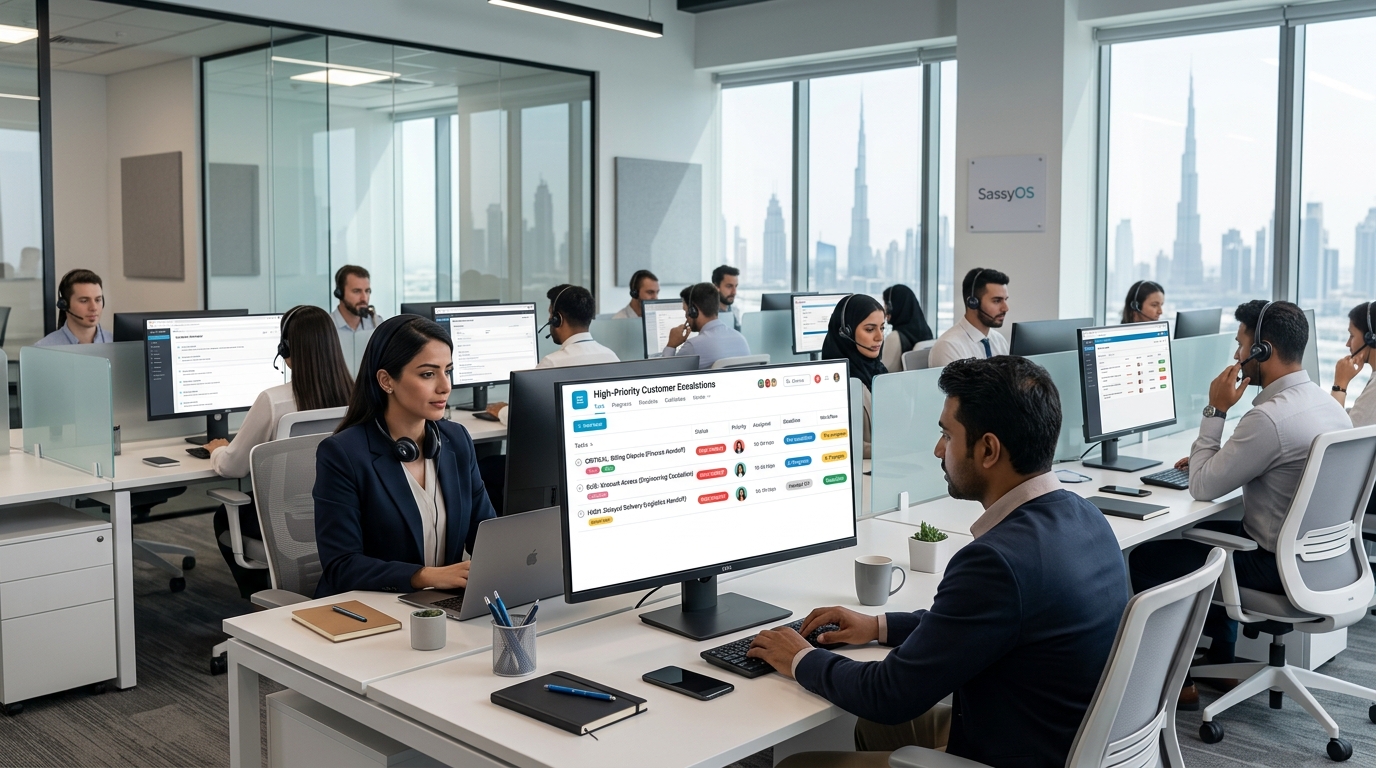
A support team's help desk software handles the ticket queue well — logging, categorizing, and closing routine requests. What it doesn't always handle cleanly is the exception: a ticket that needs escalation beyond the front-line agent, a recurring issue that needs a product or engineering fix rather than another individual response, or a complaint serious enough that leadership needs visibility before it becomes a bigger problem. That escalation layer, sitting just outside normal ticket flow, is where Asana adds real value.
Your help desk or ticketing platform should keep handling the day-to-day ticket queue — that's what it's built for, and duplicating it in Asana adds overhead without adding value. Asana's role is the layer above that: escalations that need cross-team involvement, recurring issues that need root-cause follow-up, and complaints serious enough that leadership needs to see them before resolution, not after.
Not every support interaction needs to leave your help desk. An escalation project in Asana, referencing the original ticket number, is reserved specifically for cases that need something the ticketing system alone can't provide — cross-team coordination, senior review, or ongoing follow-up beyond a single response. This keeps the escalation layer focused and genuinely useful, rather than becoming a shadow copy of the entire ticket queue.
A support agent frequently identifies a problem they can't personally resolve — a billing discrepancy needing finance, a product defect needing engineering, a delivery issue needing logistics. A structured escalation form, covered in more depth in our Asana Forms guide, lets the agent hand off the issue with full context captured upfront, with automation routing it to the right department based on the category selected, rather than the agent having to track down the right person manually.
A help desk is very good at closing individual tickets and not always good at surfacing that the same issue has been closed forty times this month. Tagging escalations by issue category in a custom field, and reviewing that data periodically, turns a pattern that might otherwise stay invisible into something the team can actually act on — flagging it as a product or process issue worth fixing at the root, rather than continuing to handle the same symptom repeatedly.
A complaint serious enough to carry reputational or business risk shouldn't wait until resolution to reach leadership's attention. A dedicated escalation path for high-severity issues, with an automation rule flagging leadership the moment a complaint is tagged at that severity level, gives management the chance to be involved early rather than finding out after the fact — which matters both for the customer relationship and for catching a pattern before it repeats.
Escalations don't distribute evenly — one agent or team lead can quietly end up carrying a disproportionate share of the complex cases while others handle mostly routine tickets. A shared view of active escalations by assignee, echoing the workload visibility principle covered in our Goals and Portfolios guide, lets a team lead spot and rebalance that imbalance before it leads to burnout or slower resolution times.
As with any customer-facing operation, it's worth being deliberate here: customer personal details, account information, and full interaction history belong in your help desk or CRM, not written directly into Asana tasks. Asana should reference the original ticket number for escalation coordination, rather than storing the customer's personal data itself.
Support escalation coordination has a specific pattern — cross-team, severity-sensitive, workload-uneven — that a generic project template doesn't account for. This is what we build into every support-focused implementation.
We build forms and routing so agents can escalate quickly with full context, referencing your existing ticket numbers.
We configure automation so serious complaints reach leadership early, not after resolution.
We build views that surface recurring issues and workload imbalance for team leads.
Your help desk is good at closing tickets. It's not always good at surfacing the pattern behind forty similar tickets, or getting leadership involved in a serious complaint before it's already resolved badly. Structured around escalations specifically — not the full ticket queue — Asana closes that gap without adding overhead to routine support work.
If escalations on your team still rely on someone remembering to follow up, book a free consultation with SassyOS and we'll show you what a properly structured setup looks like.
Core Asana Services
Feature Guides
Related Guides
Reporting
We'll build your Asana workspace around clean escalation intake, severity-based alerts, and workload visibility — alongside your existing help desk.
Book a Free Consultation Get in Touch